Pressing Your “Back” Button Can Cause You To Accidentally Double-Order.
 ORDER CONFIRMED
Setting up your account. Please wait…
ORDER COMPLETE
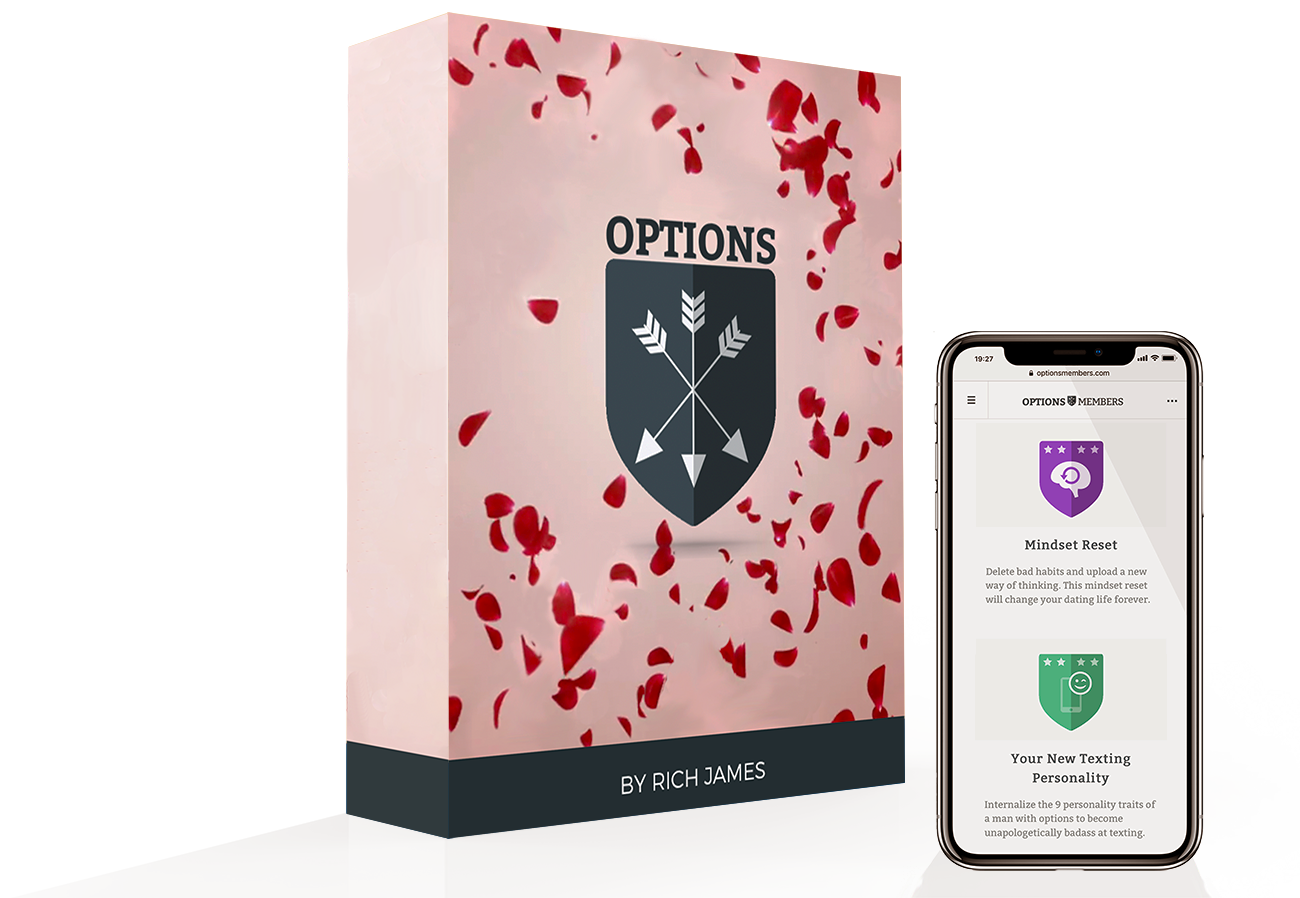
Thank you for your order, !
OPTIONS is waiting for you in our Private Members Community. But before you head over there, let’s quickly cover a few things so you’re good to go!
Firstly, your order will appear on your credit card statement as ‘Options Members’, in case you ever wonder what the charge is.
Secondly, if you run into any issues with your order, just reach out. My team and I are on hand via email 24/7 and will happily assist you with anything you need. Your satisfaction is our top priority.
IMPORTANT! You entered the email () at checkout. This is where we have sent your login information. If this email is incorrect, please contact support immediately by emailing: support@optionstexting.com and we’ll get you setup right away.
Here’s what’s next…
Your programs are waiting for you in our private members area! But before you head over there, we want to verify that you can receive emails from us, so we’ve sent a couple of emails with important info about your purchase…
Look out for this welcome email from Ed Hudson (support@optionstexting.com) which contains your login details to the email address you ordered with:


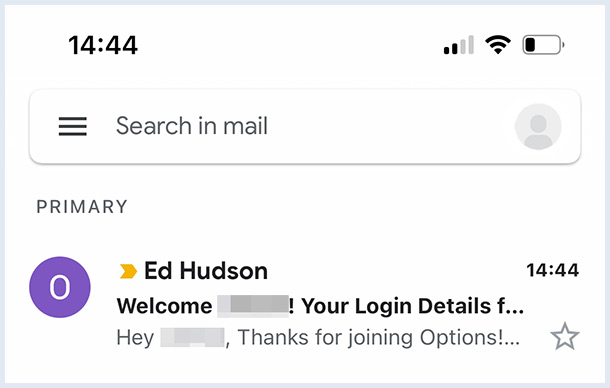
If you can’t see it, please check your spam folder because our emails sometimes end up there, or in the “promotions” tab (if you use Gmail).
How To Access OPTIONS:
You can login to the Members Area and access the course at: OptionsTexting.com. Here’s what the login page will look like:
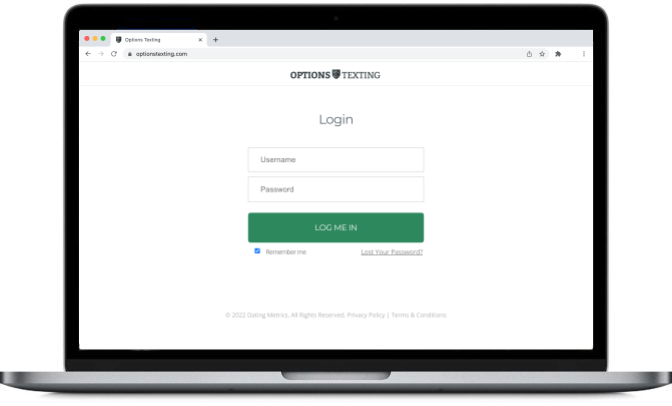
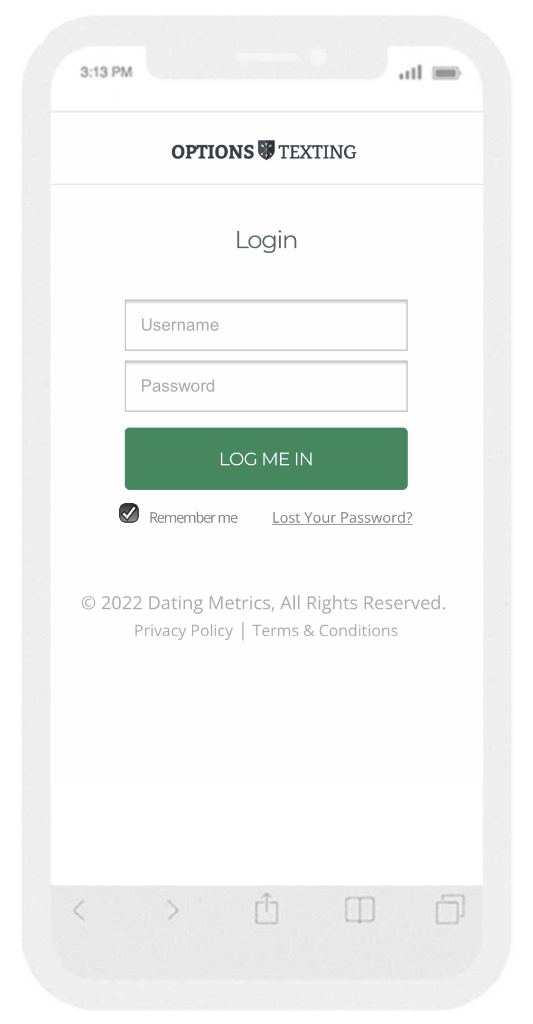
– Your Username is the email address you signed up with.
– And your Password has been emailed to you. To change your password to something more memorable, in the OptionsTexting.com Dashboard go to Menu >> My Account >> UPDATE Account Details
Thats it for now!
Thanks again for joining my course and I’ll see you on the inside!